
Log in to the Kinetic Panel.
Go to settings.
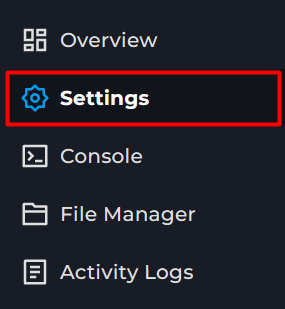
Locate Server Name & Region.
You can change these. The Server will appear under the region that it's been selected in.
For this guide, it's in Hong Kong because fewer servers are active in this region.Open Aska
Click Multiplayer.
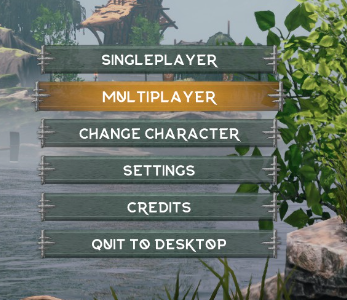
Click Join.
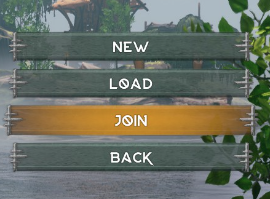
Select the correct Region.
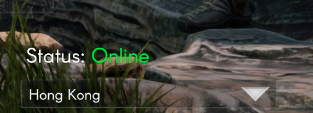
Search for your Server.
The server name will be where the Red Circle is, and the blue is the Display Name
Click the server.
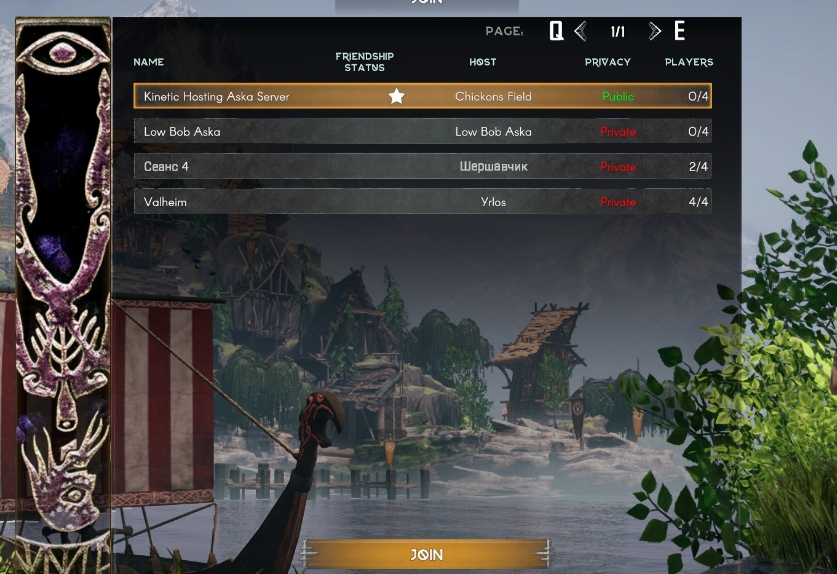
Join
Aska guide
How to Join your Aska Server
This Guide will cover how to join your Aska Server. Using the Servername, selecting region, & Covers changing the Region & Server Name