How to set up ARMA 3 Voting
Last updated 06 Jun 2025
Need a game server?
Spin one up fast with our feature-rich panel and seriously low prices.
Voting Format
Arma 3 voting needs to follow a set format. Below will show some required info. Please refer to this wiki for extra info Wiki
```
allowedVoteCmds[] = {{<commandName>, <preMissionStart>, <postMissionStart>, <votingThreshold>}, ...};, where:
<commandName>: String - name of the command, for example "admin"
<preMissionStart> (Optional): Boolean - true to allow command before mission start. Default: true
<postMissionStart> (Optional): Boolean - true to allow command after mission start. Default: true
<votingThreshold> (Optional): Number - voting threshold 0...1. Default: value assigned to voteThreshold param. Otherwise 0.5
<percentSideVotingThreshold> (Optional): Number - percent side threshold 0...1. Default: 0.5 (since Arma 3 1.90+ PerformaceBranch)
```
Stop the server.

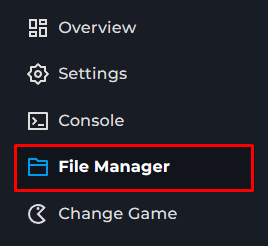
Go to the File Manager on the Kinetic Panel.
Open server.cfg.
Locate
/ === VOTING ===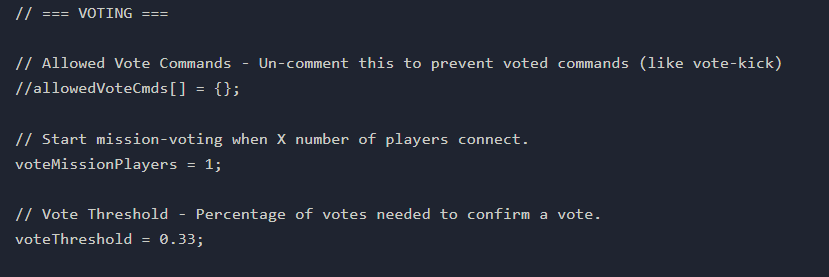
Configure the settings. The Arma 3 wiki has more info on this. Wiki
You can configure the thresholds and allowed commands