How to Delete or Reset your Ark world
Last updated 14 Mar 2026
Need a game server?
Spin one up fast with our feature-rich panel and seriously low prices.
Deleting your ark world
Lets say you want to start fresh on your Ark server. No worries! This guide will show you how to do that!
Login to your Kinetic Panel
Turn off your server.
-1767383729764.png)
Go to File Manager.
-1770311095747.png)
Go to the following file directory:
Shootergame/Saved/SavedArks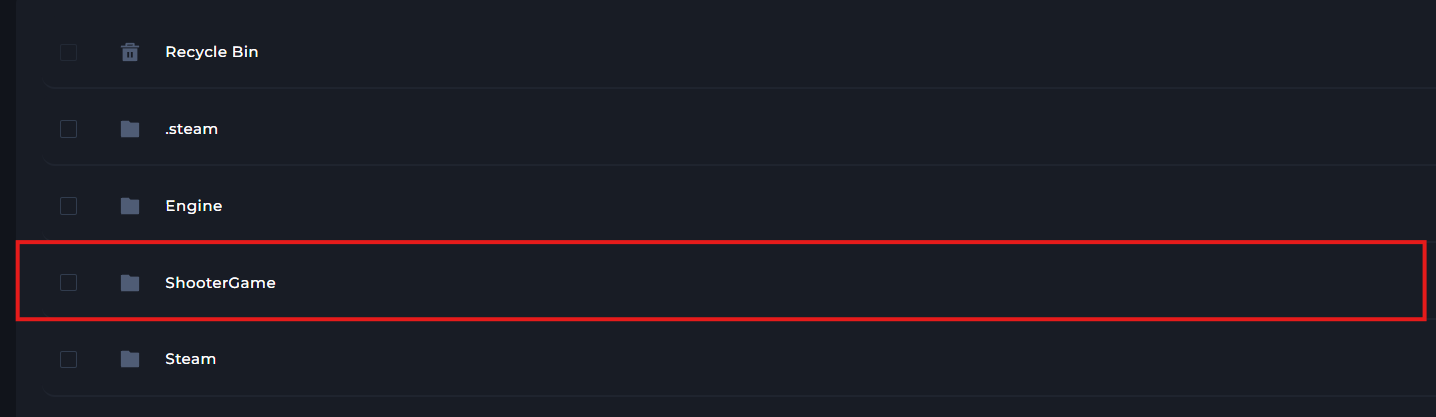


In the SavedArks folder, you'll find your world file(s). You will be able to delete whichever worlds you like.
-1773515098794.png)
Start your server.
-1767462125511.png)