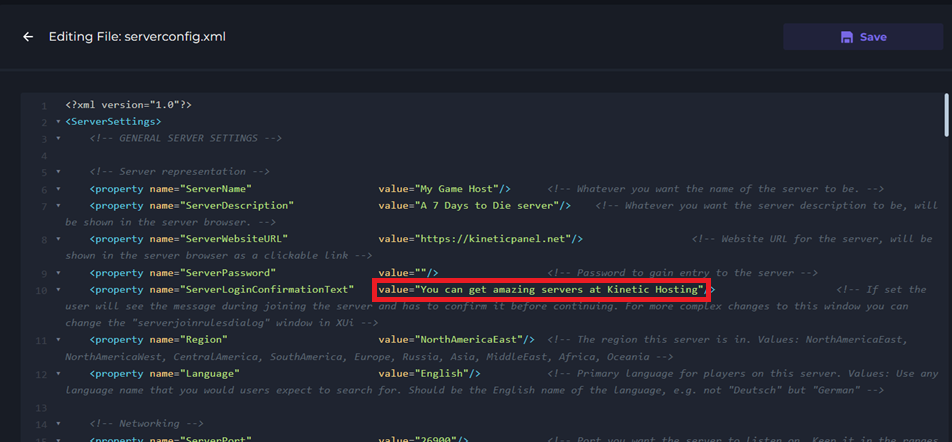
How To Set A Custom Server Information Message For Your 7D2D Server
Last updated 15 Aug 2025
Need a game server?
Spin one up fast with our feature-rich panel and seriously low prices.
1 Login to the Kinetic Panel and Stop your server.
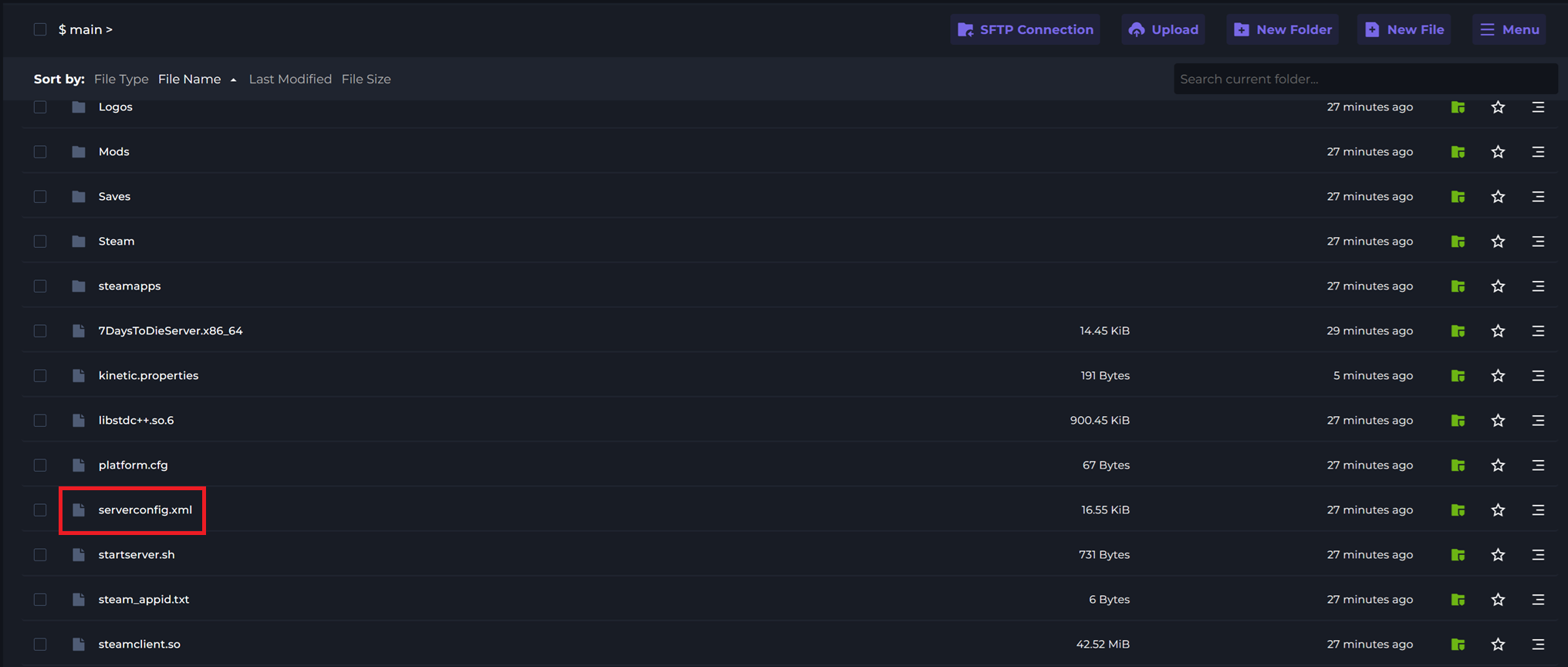
2 Go to the File Manager

3 Open serverconfig.xml.
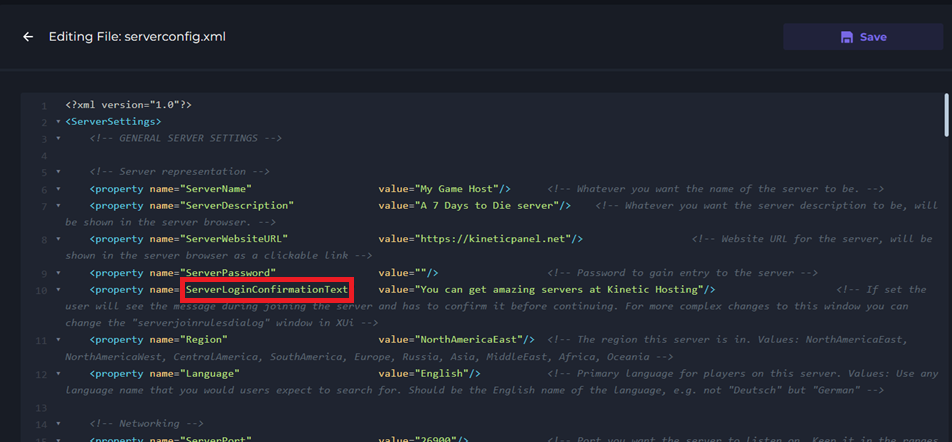
4 Locate the ServerLoginConfirmationText option.
5 After value= enter your desired server information message.