How to change your 7 Days To Die version for your server
Last updated 15 Sept 2025
Need a game server?
Spin one up fast with our feature-rich panel and seriously low prices.
Login to the Kinetic Panel.
Stop the server.

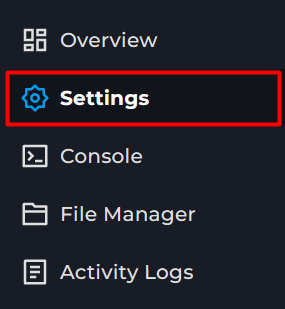
Go to the settings page.
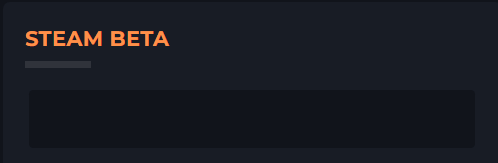
Locate the Steam beta box.
Go to the 7 Days to Die Steam DB page > Depots.
Locate the version you wish to use.
For this example, we will use v2.0.
Copy this version. It will be listed under Name.

Paste into the Steam beta box.
Start server