
1 Login to the Kinetic Panel and Stop your server.
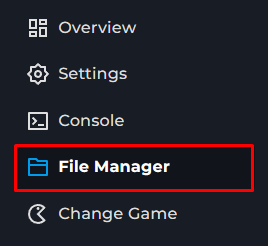
2 Go to the File Manager
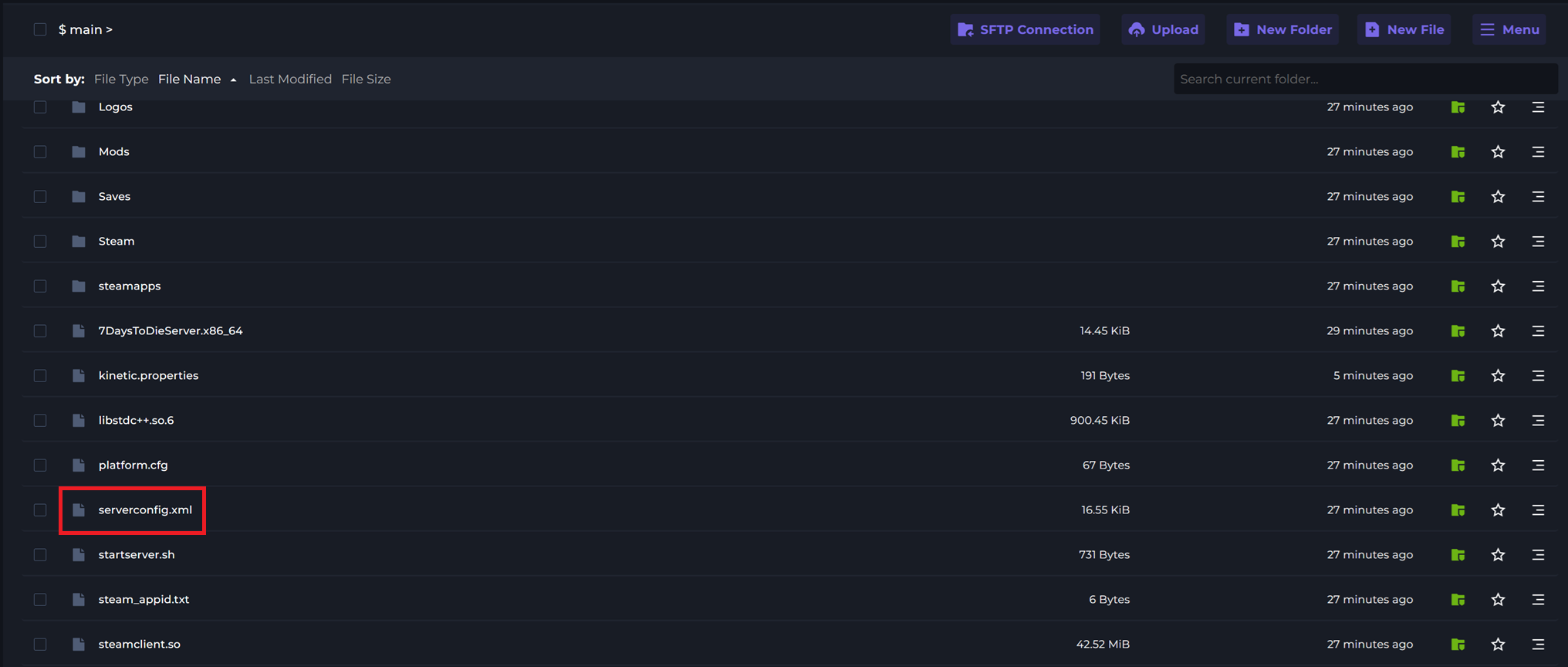
3 Open serverconfig.xml.
4 Locate the ServerName option.

5 After value= enter your desired server name.

To help players easily find your 7 Days To Die server on the in-game browser it is recommended that you set a custom server name for your server. You can do this in your servers config file.
1 Login to the Kinetic Panel and Stop your server.
2 Go to the File Manager
3 Open serverconfig.xml.
4 Locate the ServerName option.
5 After value= enter your desired server name.