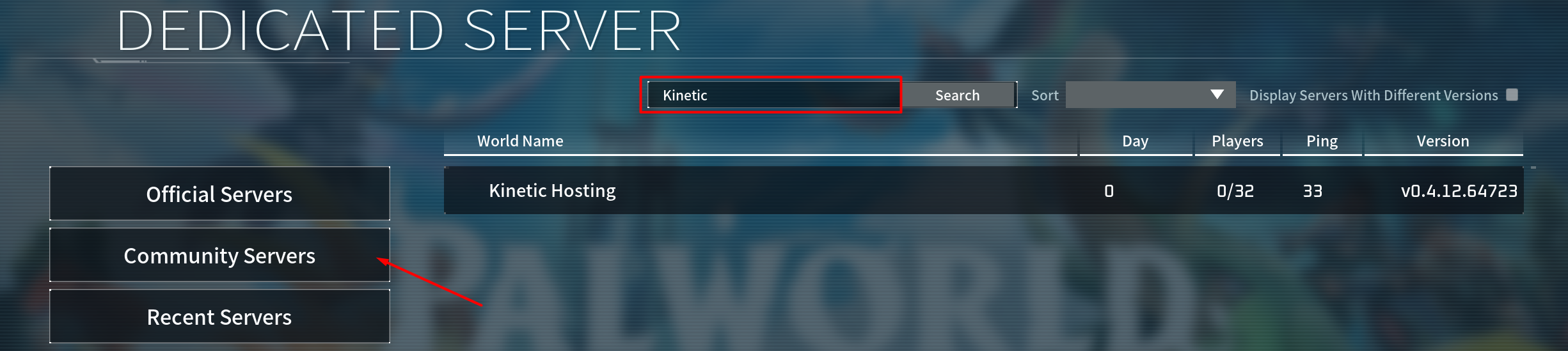
How To Get A Palworld Server On The Community Server List
Last updated 08 Jun 2025
Need a game server?
Spin one up fast with our feature-rich panel and seriously low prices.
1 Login to the Kinetic Panel & Stop the server.
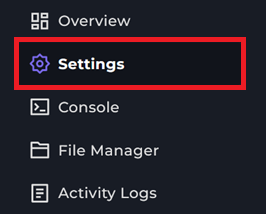
2 Head to the Settings Page.
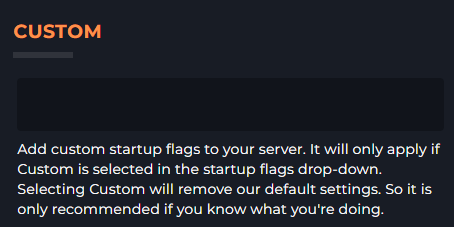
3 Here you will see a box Labeled "Custom".
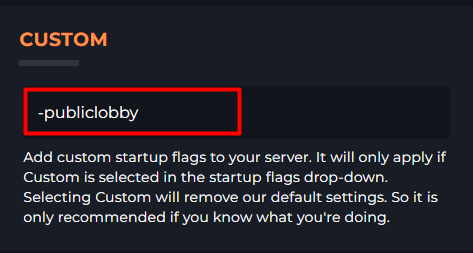
4 You will want to put the following within that Custom box. -publiclobby.
5 Now you can start your Palworld server & you will be able to search for your server within this list & join.