How To Enable Xbox Compatibiliy On A Palwold Server
Last updated 08 Jun 2025
Need a game server?
Spin one up fast with our feature-rich panel and seriously low prices.
1 Login to the Kinetic Panel & stop the server.
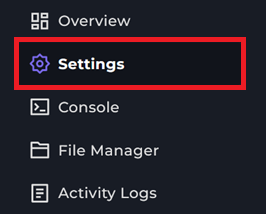
2 Head to the Settings Page.
3 Click on the Palworld Config button.

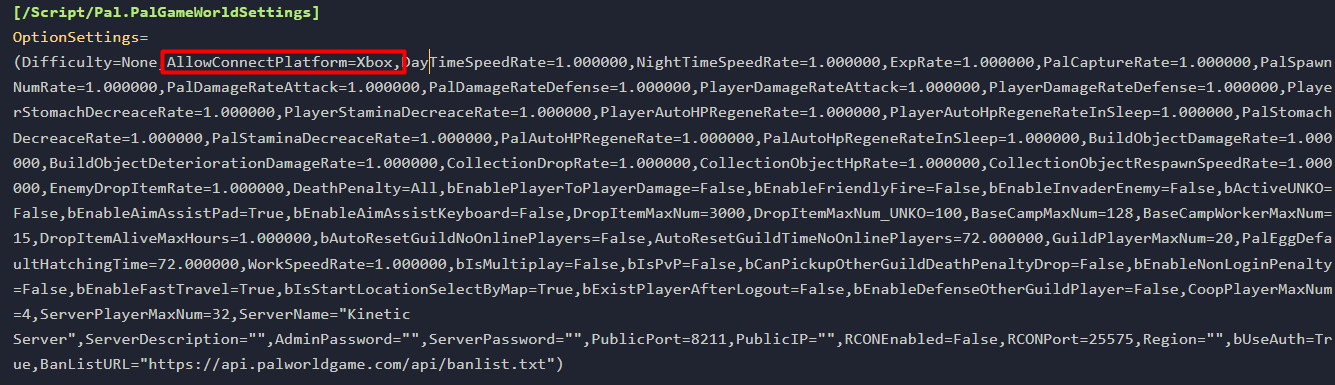
4 From there, you should've been directed to the PalworldSettings.ini configuration file.
5 You will want to add AllowConnectPlatform=Xbox within this file, just like you see with the Image.
6 From there, you should be able to start the server and only Xbox players will be able to connect to your Palworld server.