
In this guide
Installing ue4ss and Palworld mods to your server.
Adding mods to a Palworld server can be a complicated process. Some mods are .pak mods which are easy to install, while some mods require to be installed via ue4ss.
This guide will provide step-by-step instructions on:
Installing ue4ss on your Palworld server.
Adding .pak mods to your Palworld server.
Adding mods that require ue4ss to run to your server.
Adding mods that can be found on the steam workshop.
Installing ue4ss on your server
For your Palworld server to support mods, you'll first need to install ue4ss. The instructions below will show you how to install eu4ss.
Login to your Kinetic Panel
Stop your server by clicking the power button, then click the square icon.
-1767383729764.png)
Go to the settings menu.
-1770311132720.png)
Scroll down till you see the box that says "UE4SS" and set the value to true.
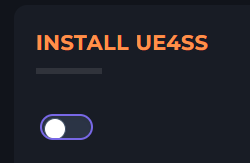
Start your server by clicking the power button, then click the play button.
-1767462125511.png)
Installing steam workshop mods to your Palworld server
Login to your Kinetic Panel.
Stop your server.
Go to settings.
Within the settings page, you will see a "Workshop ID's" box. In here, you will need to input the steam workshop id's for the mods you wish to add. Steam workshop ID's can be found at the end of the workshop item URL. If you wish to put several mods, make sure to separate each mod id with a comma (,).

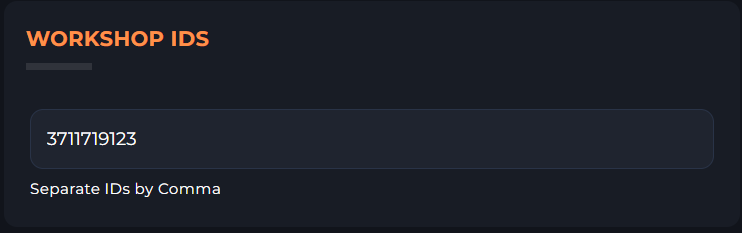
After you've finished inputting your mod ID's, start your server.
Installing .pak mods to your Palworld server
You may find that some the mods you wish to install include .pak files. These following steps will demonstrate how to add them to your server.
Stop your server.
Go to file manager.
-1767384099292.png)
Go to the following file directory:
Pal/Content/Paks


In the Paks folder, you may or may not see a "~mods" folder. If the folder isn't there, you'll need to create it. You can create the folder by clicking the "Create folder" button on the top right.
-1768668983774.png)
-1768669002879.png)
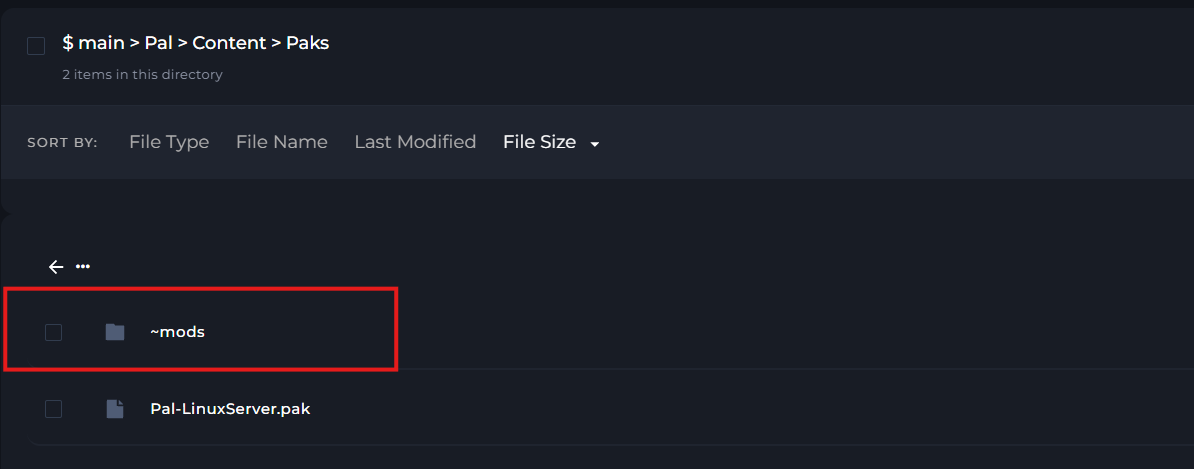
Once that folder is present in the Paks folder, you can open this ~mods folder, and then drag and drop any .pak mods you wish to add to your server.
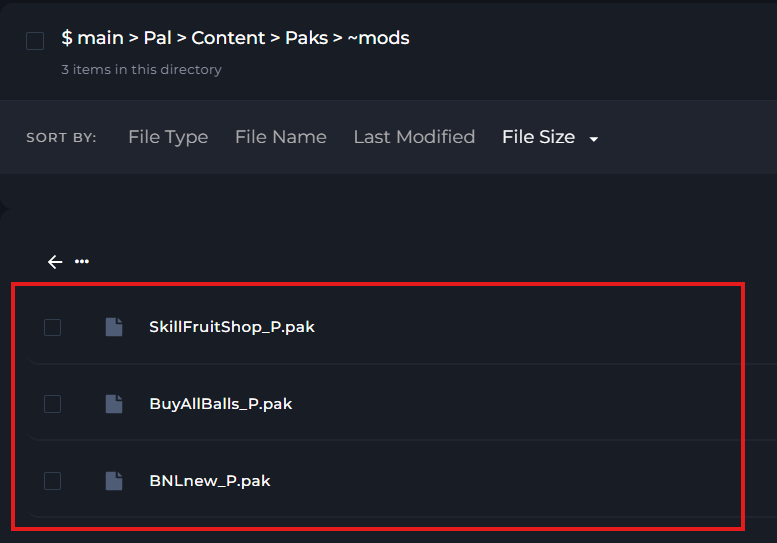
After you've added the .pak mods, start your server.
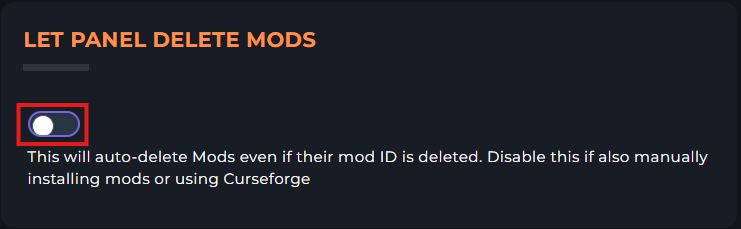
Disabling "Let Panel Delete Mods"
If you wish to use Steam workshop mods, and other mods which can be found on Nexus mods and Curseforge, you will need to disable the "Let Panel Delete Mods" setting. Otherwise, things could go wrong. To do this, first go to settings, and you will find a settings box to disabling this setting.
Adding mods to your Palworld server that require ue4ss
You may find that some of the mods you are using are not .pak mods. Instead, you may find they include folders such as "Scripts". These mods usually require ue4ss to run, but you'll need to check the mod page to be sure.
The following steps will guide you on how to install these mods.
Stop your server.
Go to your file manager.
Go to the following file directory:
Pal/Binaries/Linux/ue4ss/Mods


In the ue4ss folder, you'll find a "Mods" folder that you need to open.
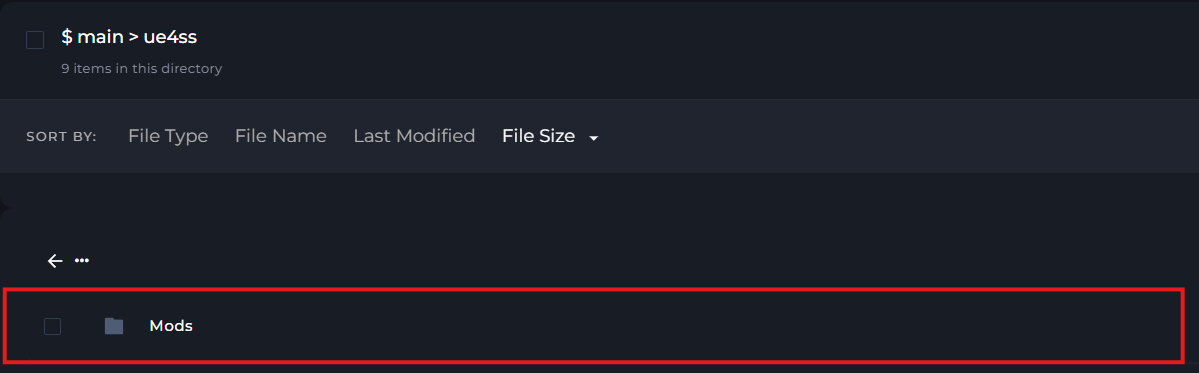
You may find that there are some mods installed already. These mods are added by ue4ss by default.
But to add your own mods, simply drag and drop the mod folders you wish to add. In this example, I'll be added "Extended Base Range"noticeKeep in mind that not all mods run on the latest version of Palworld, but they can sometimes still work.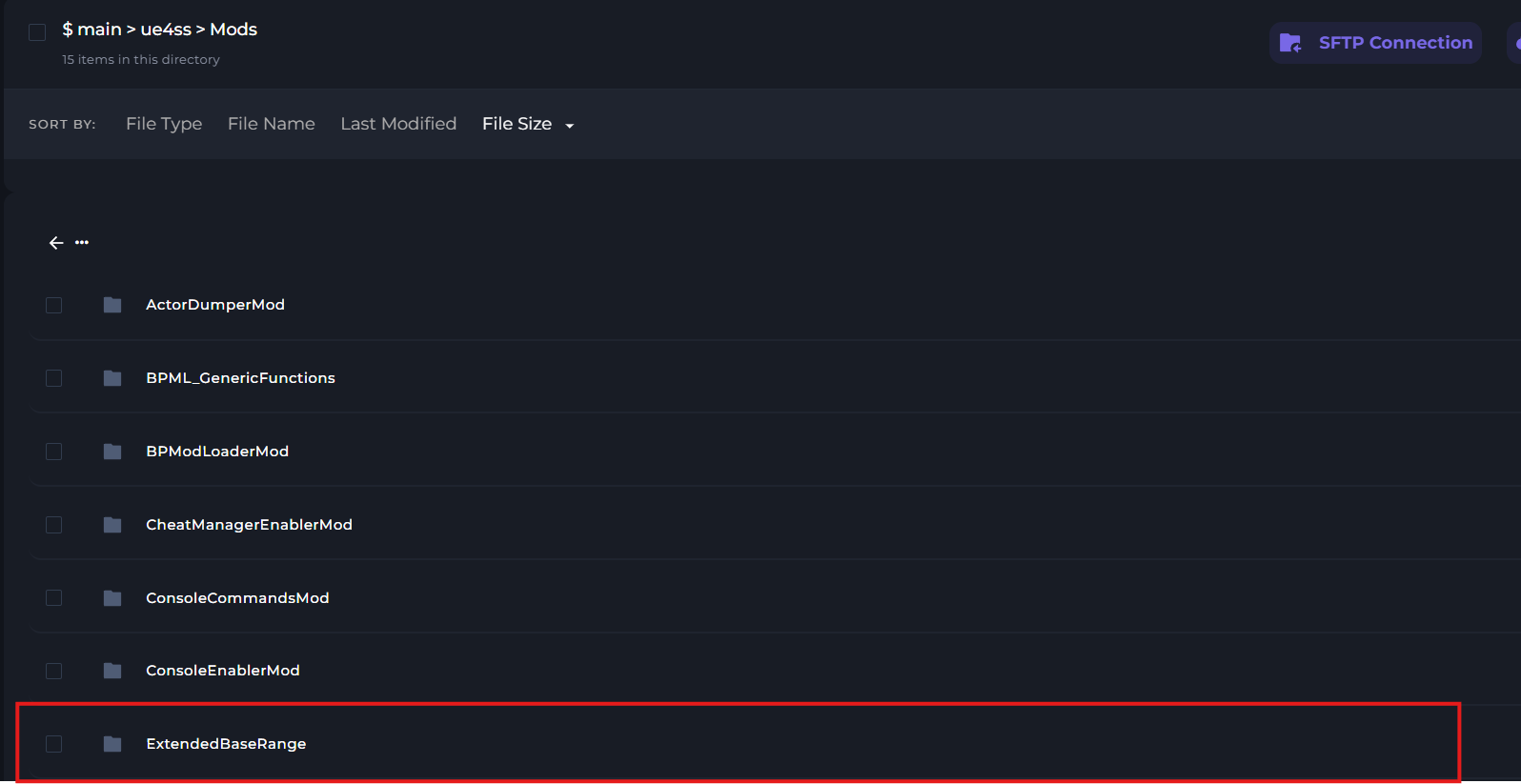 noticeWhen adding the mod folder, please make sure that the folder is NOT a .zip folder. As this will not work.
After you've added the mod folder to the Mods folder, you can start your server.