How to change the settings on your Factorio server
Last updated 05 Sept 2025
Need a game server?
Spin one up fast with our feature-rich panel and seriously low prices.
Log in to the Kinetic panel.
Navigate to the file manager.
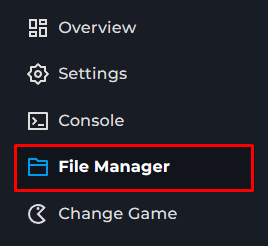
Open the data folder.
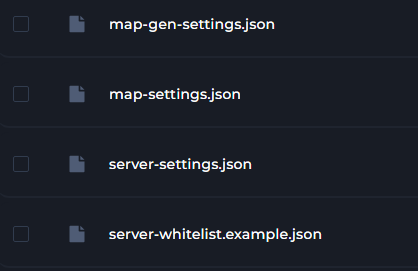
Open the desired config; they are listed below.
Once done editing, save.
server-settings
This has settings to control who can join, allowed commands, as well as
"require_user_verification" user will need a valid Factorio account to join.
Allowing admin commands
Auto save times.
map-settings
Controls all the game settings, such as speed, Spawning, and pollution