How to change starting Items for Dayz Server
Last updated 23 Aug 2025
Need a game server?
Spin one up fast with our feature-rich panel and seriously low prices.
Login to the Kinetic panel.
Stop the server

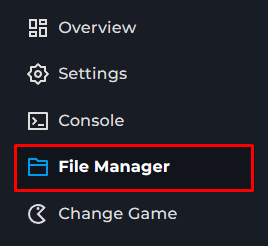
Go to the file manager
Open mpmissions.
Open the mission you currently have loaded.
Click on init.c
Locate line 84.
SetRandomHealth( itemEnt );This will adjust the starting health. Below paste.
player.GetInventory().CreateInInventory("id");Replace id with item id, List of item ids https://gist.github.com/agorushkin/135f75dc8c9fb4d49e264de5d888e4bb
Save the file
Start the server