How To Configure PvP and PvE On Your 7 Days To Die Server
Last updated 15 Aug 2025
Need a game server?
Spin one up fast with our feature-rich panel and seriously low prices.
Available PvP/PvE Settings
Below you can find all available PvP settings along with their game modifiers.
Setting | Name | Description |
|---|---|---|
0 | PvE | Players cannot damage one another under any circumstances. |
1 | Kill Allies Only | Players can only damage each other if both agree to it by adding each other to their Allies list using the in game players menu. |
2 | Kill Strangers Only | Players can damage each other UNLESS they are Allies. (Default) |
3 | Kill Everyone | Players can damage everyone, regardless of Allied status |
Configuring PvP/PvE
1 Login to the Kinetic Panel and Stop your server.
2 Go to the File Manager

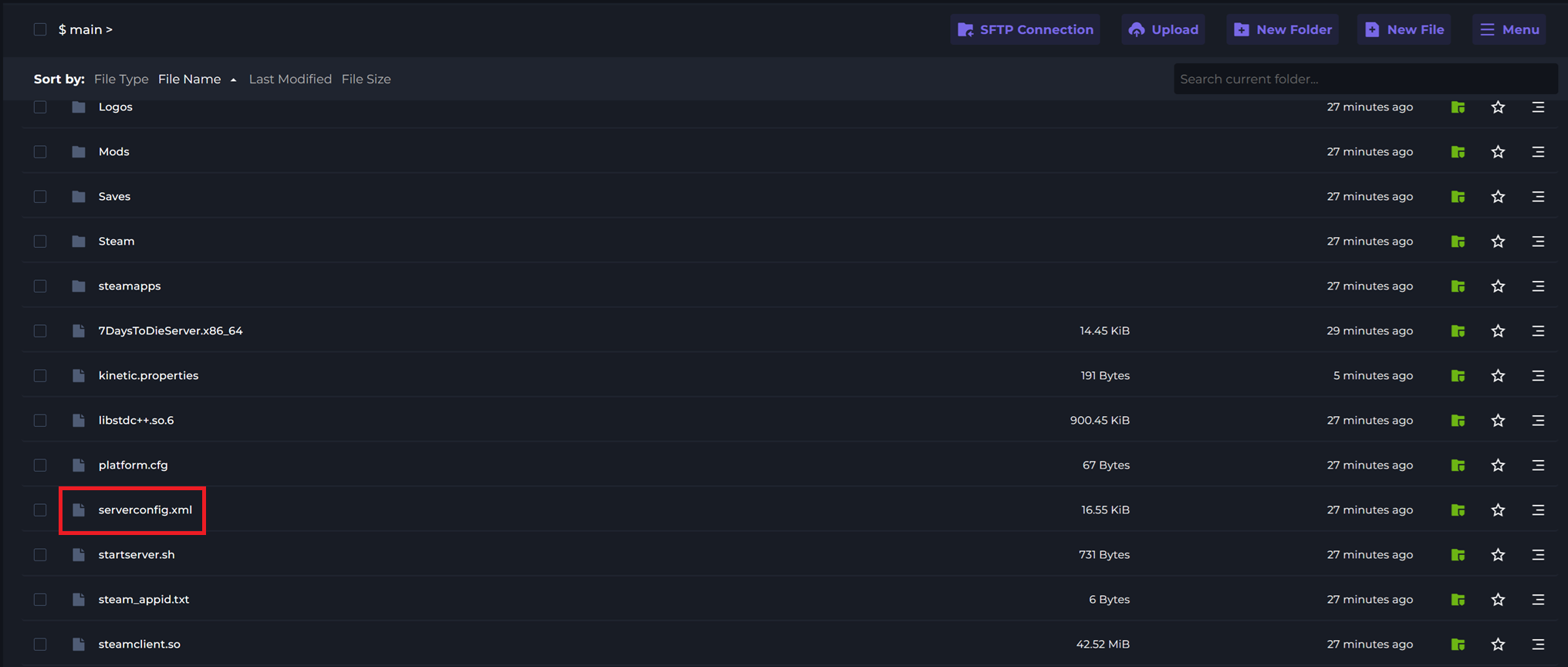
3 Open serverconfig.xml.
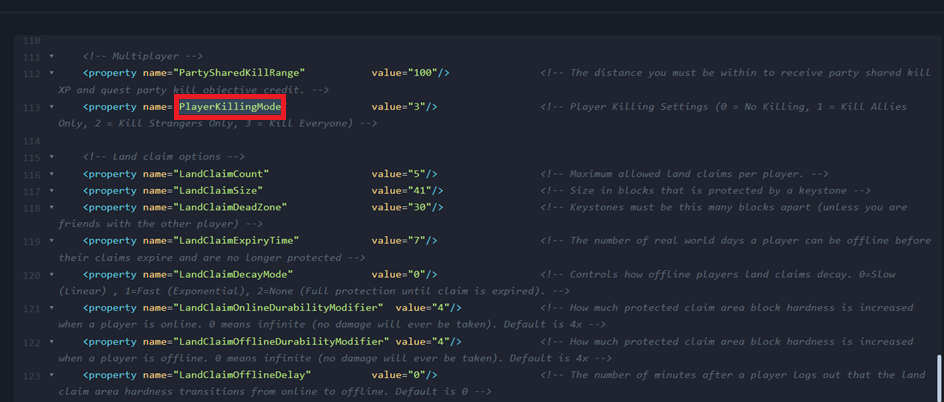
4 Locate the PlayerKillingMode option.
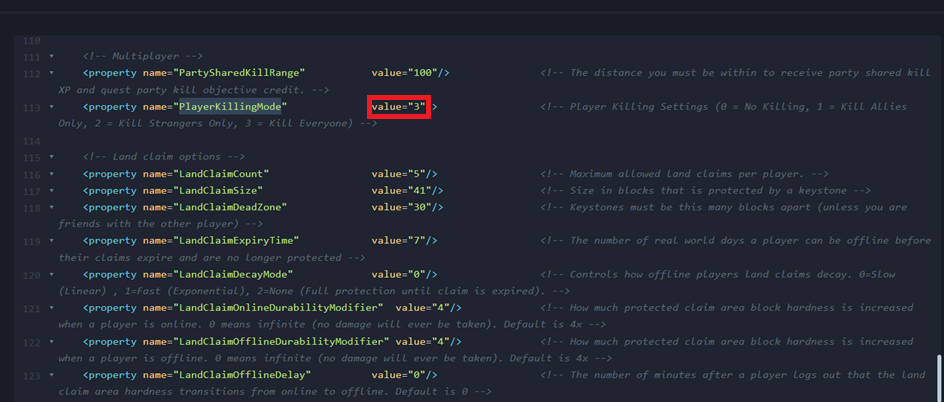
5 After value= enter your PvP configuration.