How to auth your Hytale server
Last updated 12 Jan 2026
Need a Hytale server?
Spin one up fast with our feature-rich panel and seriously low prices.
When booting your server Hytale needs you to auth your server. This is to prove you own the game. At Kinetic this is simple.
When you server boots, you'll find this modal pop up on your screen. If you don't see the modal, you should still fined a link like this: https://oauth.accounts.hytale.com/oauth2/device/verify?user\_code=XXXXXXXX in your console.

Opening the link will take you to the hytale website. Make sure to login, then press the approve button on this screen
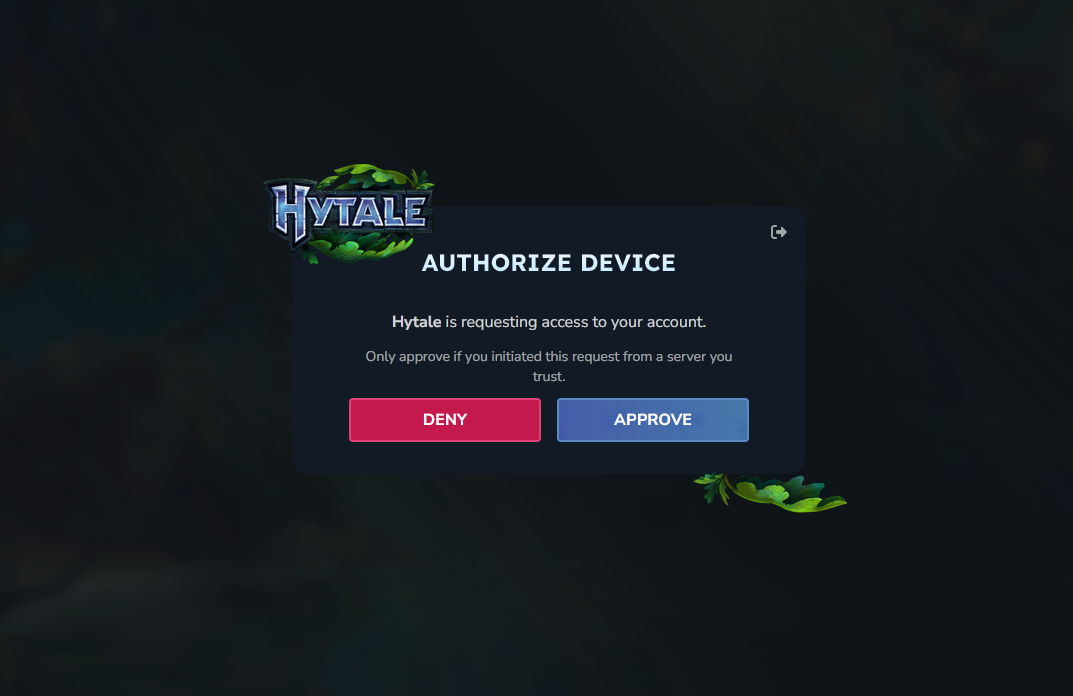
Thats it, you're all set. You might need to do this everytime you boot if the auth session exspires.